This is a new topic in 12.03.
This is a new topic in 12.04.
Content highlighted in yellow is new in 12.03.
Content highlighted in blue is new in 12.04.
When a main contractor tenant is enhancing a subcontract order, one of the steps they must take is to specify the rules of the order regarding due dates for applications, payments, payment notices and the final payment, as well as the last date to send a pay less notice. They can tick a box to use the default rules or click a button to override the default rules and manually set their own.
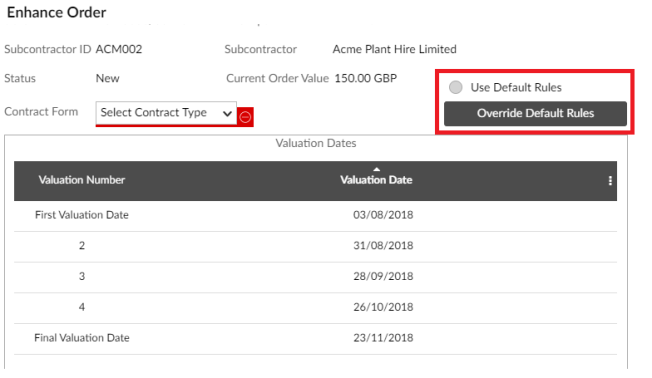
The default rules can be set at global level, company level and contract level. The company level rules covered in this section will override the global rules for subcontract orders associated with the company in question, but will only be used if there are no rules set for the contract associated with that subcontract order.
Within the Company Order Rules window, you can also configure the auto-issuing of payment notices and pay less notices, in cases where a notice has been created but not yet approved before the due date.